Tips for Creating a Cozy and Functional Home Workspace
Creating a home workspace that is both cozy and functional can greatly improve your productivity and overall well-being while working from home. Whether you have a dedicated room or a small corner, setting up your space thoughtfully will make long work hours more enjoyable and efficient. Here are some practical tips to help you design a workspace that feels inviting and supports your work habits.
Choose the Right Location
Find a Quiet Spot
Select a space that is relatively quiet and away from daily household distractions. This helps minimize interruptions and allows you to focus better.
Consider Natural Light
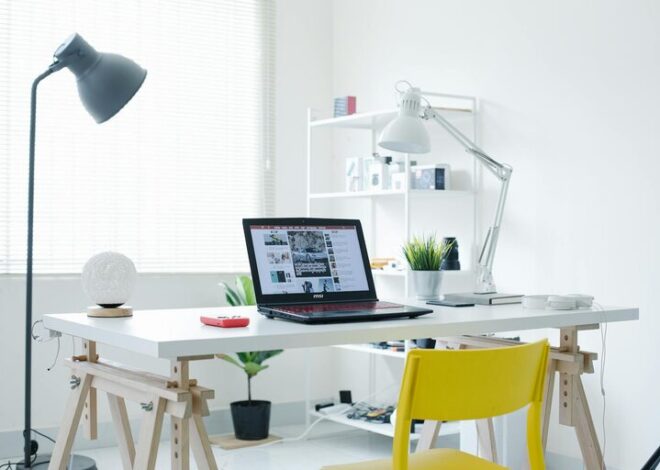
Position your desk near a window if possible. Natural light can boost mood and energy levels. If that’s not an option, invest in good quality lighting to keep the space bright and comfortable.
Invest in Comfortable Furniture
Ergonomic Chair and Desk
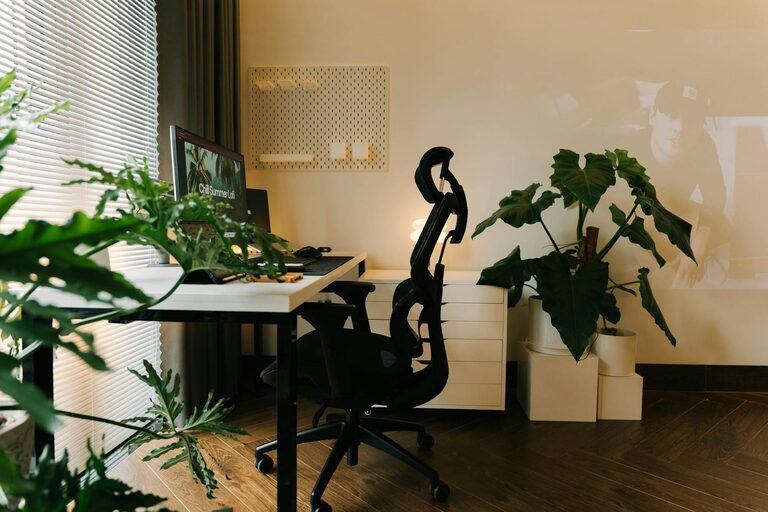
Comfort is key when working long hours. Choose an ergonomic chair that supports your back and encourages good posture. The desk should be at a height that prevents strain on your wrists and shoulders.
Flexible Furniture Options
If space is limited, consider furniture that doubles as storage or can be folded away when not in use. Adjustable desks that can switch from sitting to standing height are also a great option.
Organize for Efficiency
Declutter Regularly
Keep your workspace tidy by removing unnecessary items. A clutter-free space can help you stay focused and reduce stress.
Use Storage Solutions
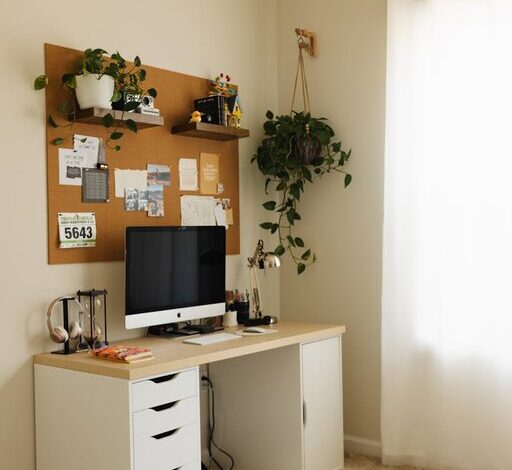
Incorporate shelves, drawers, or organizers to keep documents, office supplies, and gadgets neat and within reach. Labeling boxes or folders can save time when looking for materials.
Personalize Your Space
Add Cozy Elements
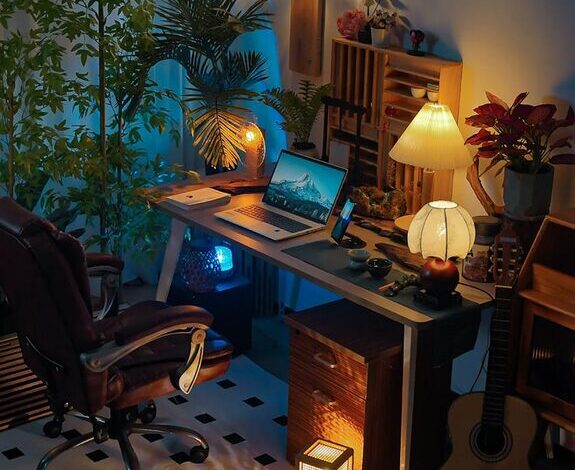
Incorporate items that make the space warm and inviting—such as soft cushions, a cozy throw, or a small rug. These touches can increase comfort and help you feel relaxed.
Bring in Greenery
Plants not only improve air quality but also add a refreshing touch to your workspace. Choose easy-to-care-for plants like succulents or pothos.
Focus on Lighting
Layered Lighting
Use a combination of ambient, task, and accent lighting. A good desk lamp with adjustable brightness enhances focus during detailed tasks, while softer ambient lighting creates a pleasant overall atmosphere.
Avoid Glare
Position your computer screen to avoid glare from windows or lights, which can strain your eyes.
Manage Sound and Distractions
Use Noise Control
If your workspace is noisy, consider soundproofing options such as thick rugs, curtains, or acoustic panels. Noise-canceling headphones can also help maintain concentration.
Set Boundaries
Establish clear work hours and communicate them to household members to minimize interruptions.
Incorporate Technology Thoughtfully
Keep Cables Organized
Use cable management solutions like clips or sleeves to avoid tangled cords, making your workspace look cleaner and safer.
Choose Reliable Devices
Invest in technology that supports your work needs, such as a fast internet connection, a quality webcam, and a good microphone for virtual meetings.
Maintain a Routine and Take Breaks
Create a Start-Up Ritual
Begin your workday with a consistent routine—whether it’s making a cup of tea or reviewing your tasks. This primes your mind for productivity.
Take Regular Breaks
Short breaks help reduce fatigue and increase focus. Use these moments to stretch, hydrate, or take a breath of fresh air.
Final Thoughts
A cozy and functional home workspace is about balancing comfort with efficiency. By selecting the right location, furnishing it with ergonomic and versatile pieces, and personalizing it with thoughtful touches, you can create a space that supports both your health and productivity. Remember, a well-designed workspace is a foundation for successful and enjoyable work-from-home experiences.