
Tips for Organizing a Productive Home Workspace
Creating a dedicated, organized workspace at home can make a world of difference in your productivity and overall work experience. Whether you’re working remotely full-time or just need a quiet spot for occasional tasks, having a well-planned home office setup keeps distractions at bay and keeps you motivated.
In this post, we’ll explore practical tips to help you organize a productive home workspace that suits your needs and enhances your focus.
Why Organizing Your Workspace Matters
An organized workspace helps reduce stress and makes it easier to find what you need. Clutter can be distracting and make it difficult to concentrate. When your work area feels inviting and functional, it’s easier to stay motivated throughout the day.
Choose the Right Location
Pick a Dedicated Spot
Ideally, select a space that can be used exclusively for work. This helps your brain separate “work time” from “personal time.” This could be a spare room, a corner in the living room, or even a small nook under the stairs.
Consider Natural Light
Natural light helps improve mood and energy levels. Position your desk near a window if possible, but arrange your screen to avoid glare.
Minimize Noise and Distractions
If noise is a concern, try to find a quieter part of the house. You can also use noise-canceling headphones or add soft furnishings like rugs and curtains to absorb sound.
Set Up Your Workspace with Essential Items
Before diving into organizing, make sure you have the essentials:
– Comfortable chair: Invest in an ergonomic chair to support good posture.
– Desk: Choose a desk with enough space for your computer, keyboard, and other supplies.
– Good lighting: Use a desk lamp to supplement natural light during evenings or dark days.
– Monitor and keyboard setup: Position your monitor at eye level and your keyboard so your arms are relaxed to avoid strain.
Organize Your Desk for Efficiency
Declutter Regularly
Remove unnecessary items from your desk that do not serve your work purpose. A clean surface gives you extra room and helps you feel less overwhelmed.
Use Storage Solutions
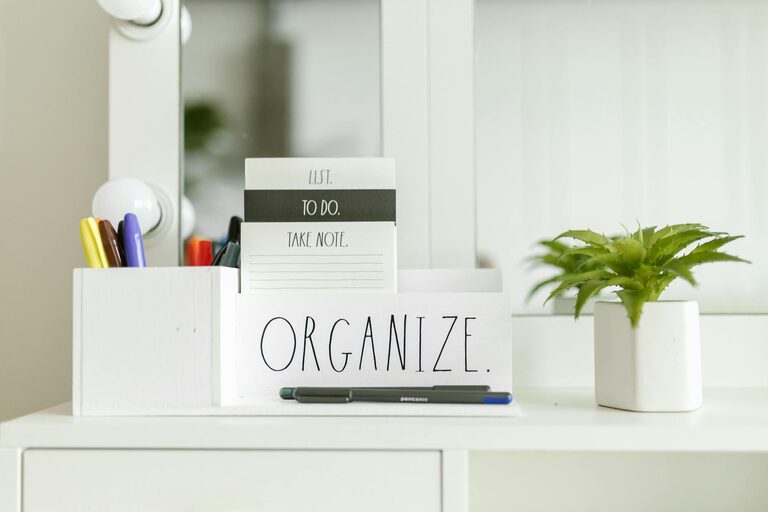
– Drawers and organizers: Store pens, notebooks, and small items in desk drawers or organizers to keep the top of your desk clear.
– Shelves: Install shelves nearby for books, files, or decorative items.
– Cable management: Use clips or sleeves to tuck away cables and prevent them from tangling.
Keep Essentials Within Reach
Arrange frequently used items so you don’t waste time searching for them. Keep your computer peripherals, notepads, and pens within arm’s length.
Personalize Your Space Wisely
Adding personal touches can make your workspace more inviting but avoid clutter. Consider:
– A small plant to improve air quality and mood.
– A motivating quote or two on the wall.
– Simple decorative items that make you smile without distracting.
Implement Time Management Tools
Having a tidy workspace pairs well with organized time:
– Use a calendar or planner visible at your desk.
– Set timers or reminders for breaks to avoid burnout.
– Try to end your day by tidying your workspace so it’s ready for next time.
Maintain Work-Life Balance
Even with a home office, it’s important to define boundaries:
– Close your laptop and pack your work materials away at “quitting time.”
– Avoid taking work calls or emails outside of your set hours if possible.
– Use your workspace only for work to keep mental separation.
Conclusion
Organizing your home workspace with a focus on comfort, efficiency, and simplicity sets you up for productive workdays. By choosing the right spot, equipping it with essentials, managing clutter, and personalizing smartly, you create an inspiring environment that helps you stay focused and motivated.
Start small and adjust your setup over time—it’s all about finding what works best for you. Happy organizing!
